My New Cases
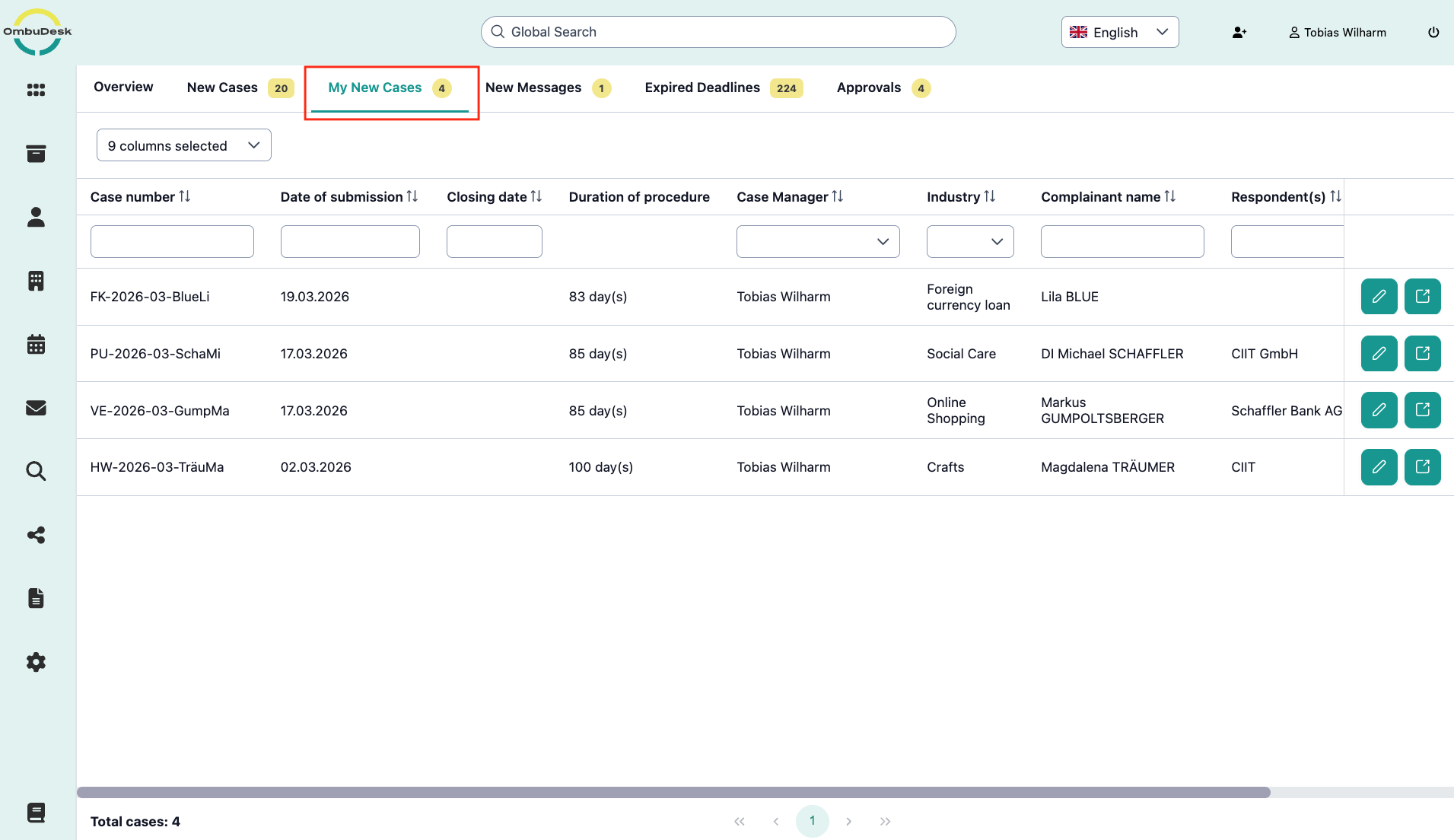
The "My New Cases" tab shows you all new cases for which you are responsible as case manager or conciliator - regardless of your assignment principle.
What search and filter functions are available to you in this tab?
You have the possibility to use all data fields as filter and search functions.
You can find the instructions for this in the Dashboard section.
How can you quickly get an overview of your new cases?
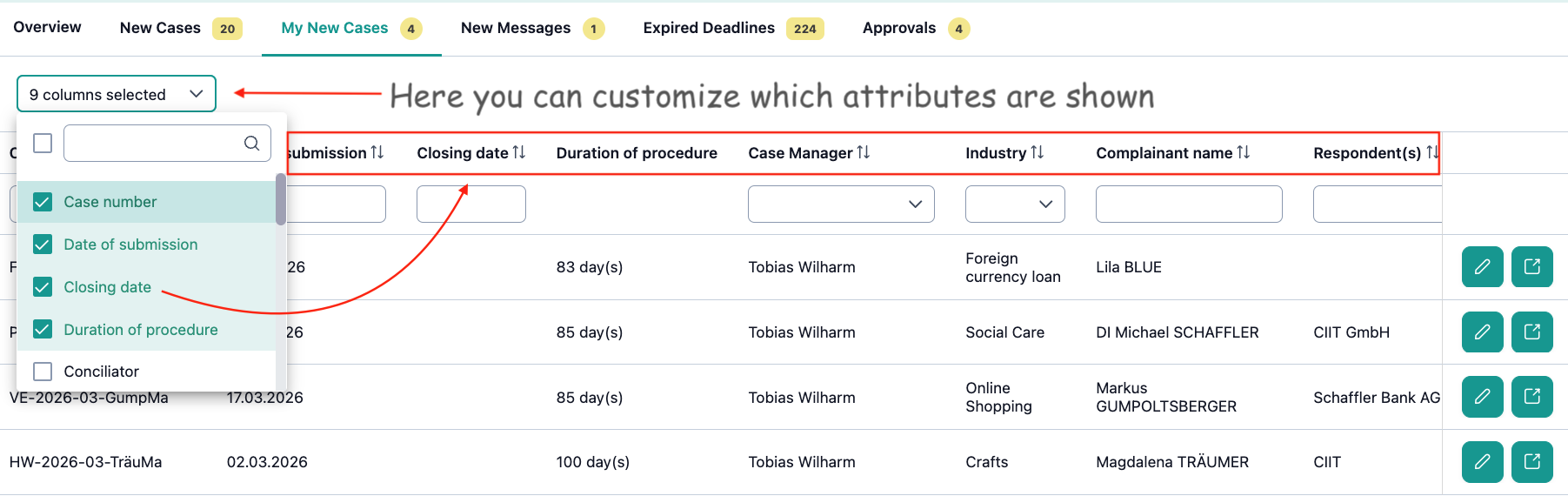
You benefit most from the "My New Cases" view if you customize the shown columns according to your own preferences.
When is a case no longer listed under "My New Cases"?
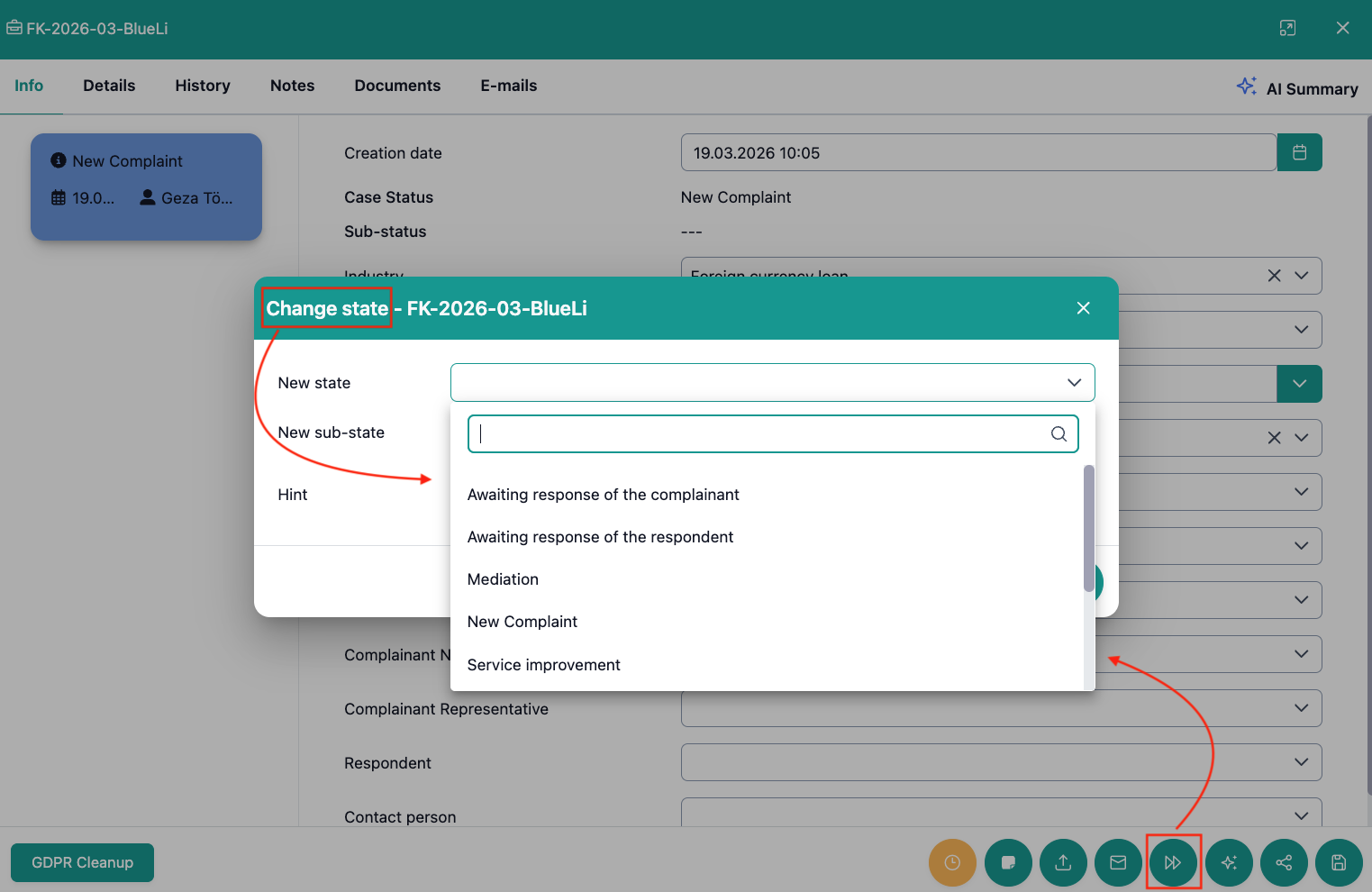
You will no longer find a case under "My New Cases" as soon as you set the status of a case to something other than "New Complaint".