New Cases
The "New Cases" tab shows you all applications that have reached your dispute resolution office but are not yet being processed.
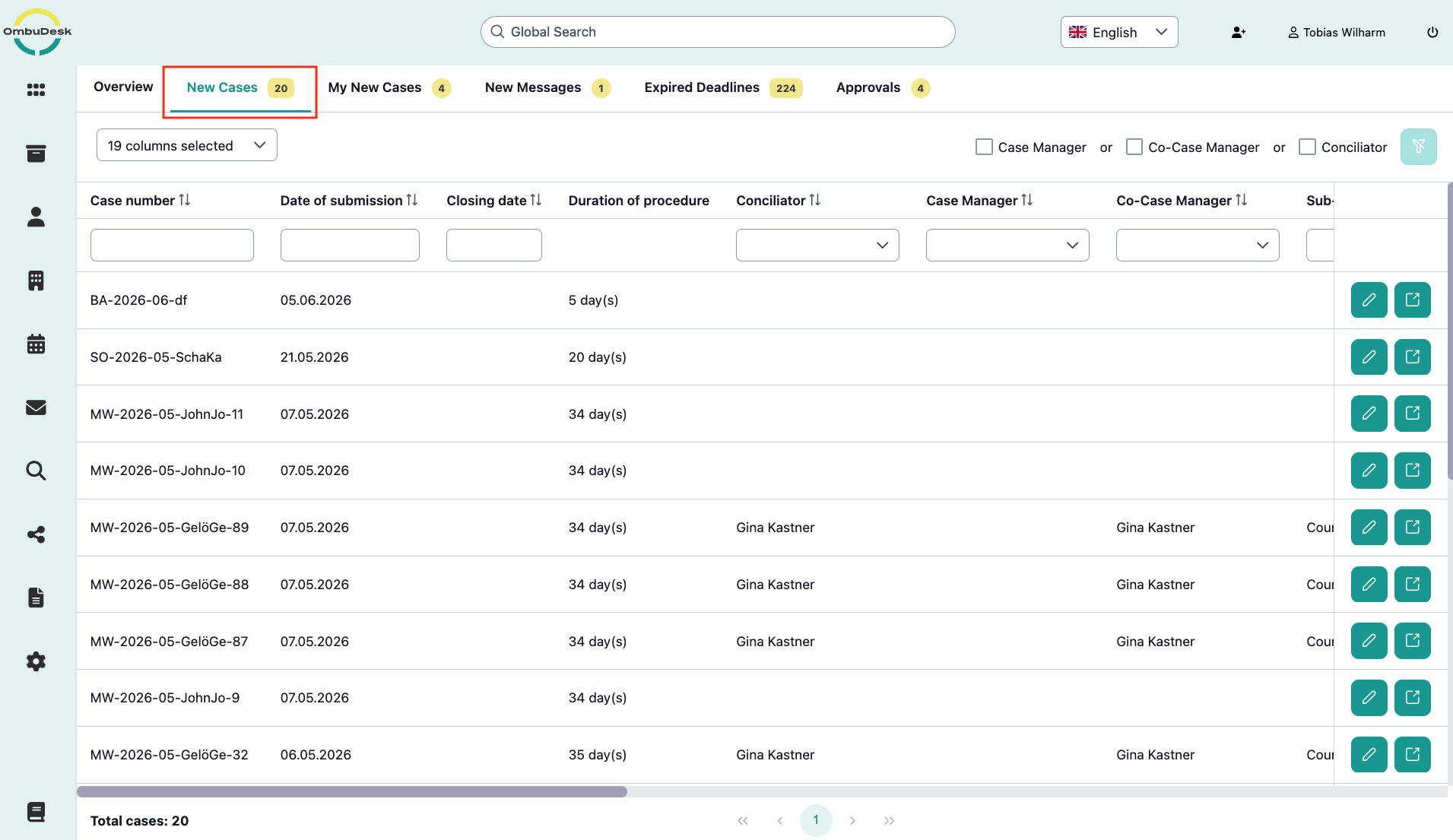
Depending on the assignment principle in your dispute resolution office, administrators can distribute the new cases here or case managers/conciliators can simply assign themselves to new cases.
If you use an automated assignment principle, this view is empty and can be removed on request.
How does the manual assignment of users to new cases work?
The method for assigning yourself or a colleague to a new case is identical.
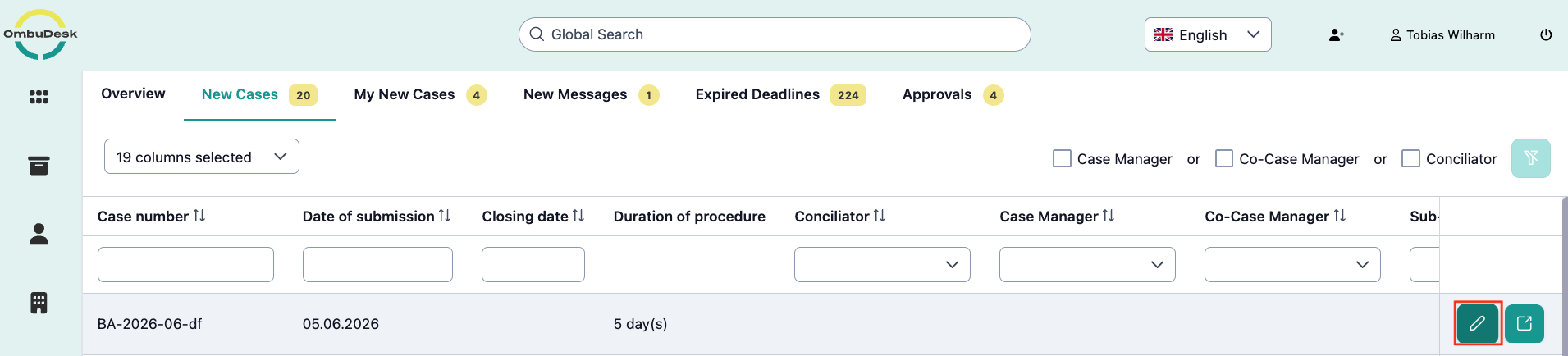
- Click on the pencil symbol on the right edge.
-
Select yourself or a colleague from the selection lists "Conciliator", "Case Manager" or "Co-Case Manager".
-
Click on the green checkmark on the right edge to save and assign the new case.
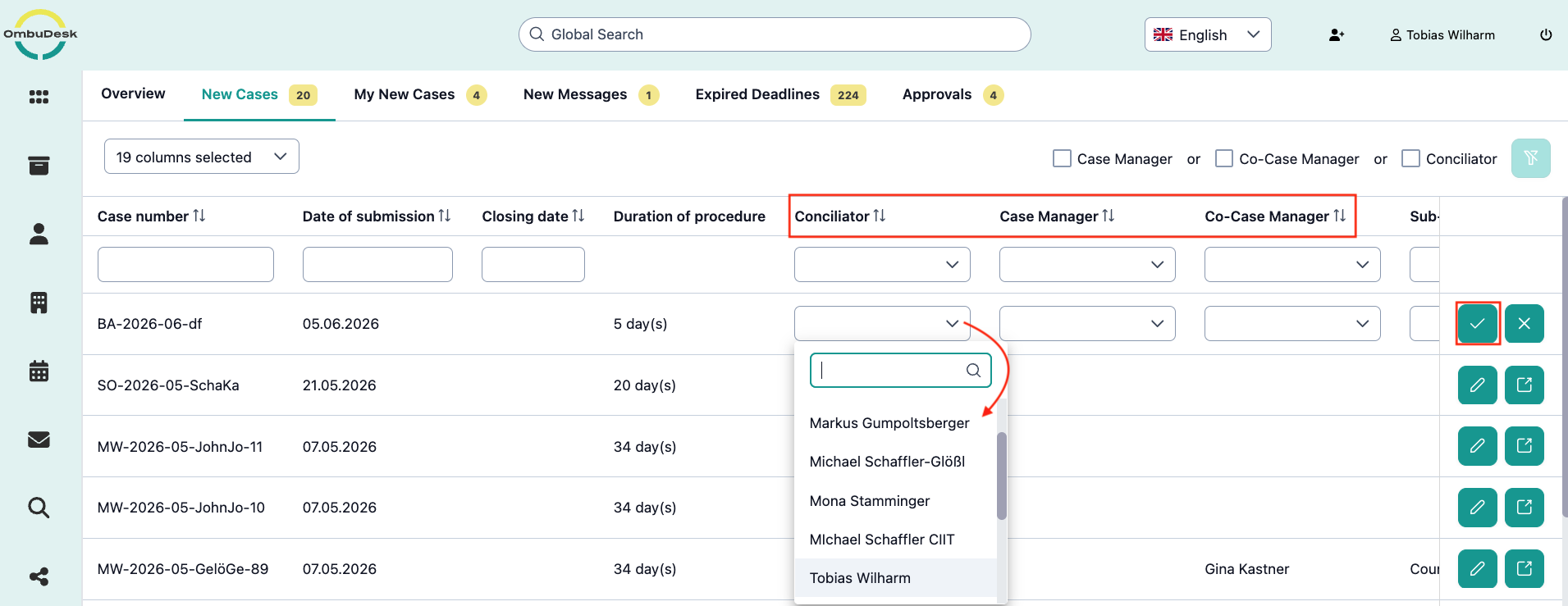
Now the new case disappears from "New Cases" and reappears in the "My New Cases" tab of yourself or a colleague.