Industries
The settings page for industries offers you a dual functionality:
On the one hand, you can manage your industries here and determine for which industries your dispute resolution office is responsible. On the other hand, all changes are transferred to your application form.
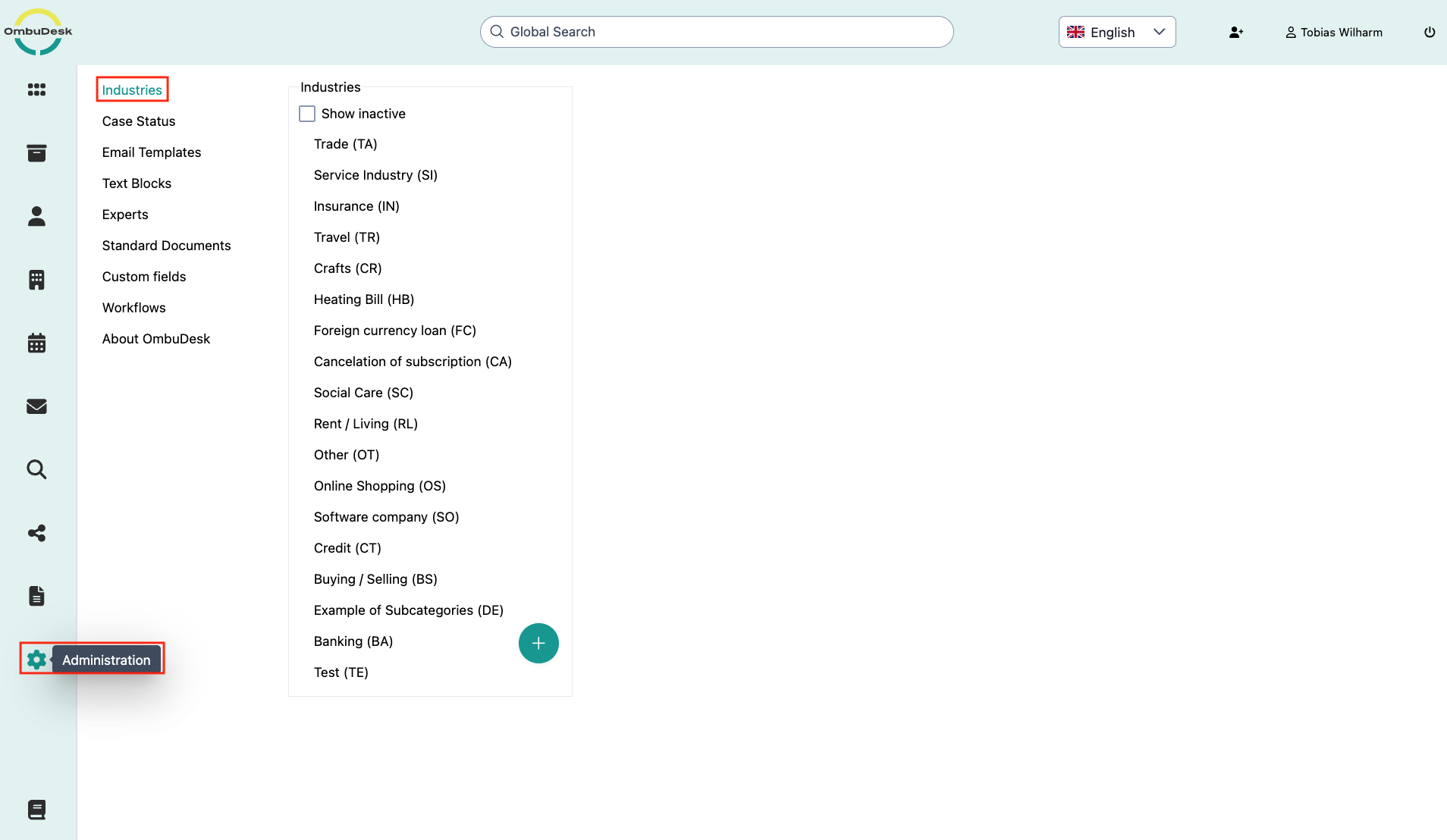
What settings are available for your industries?
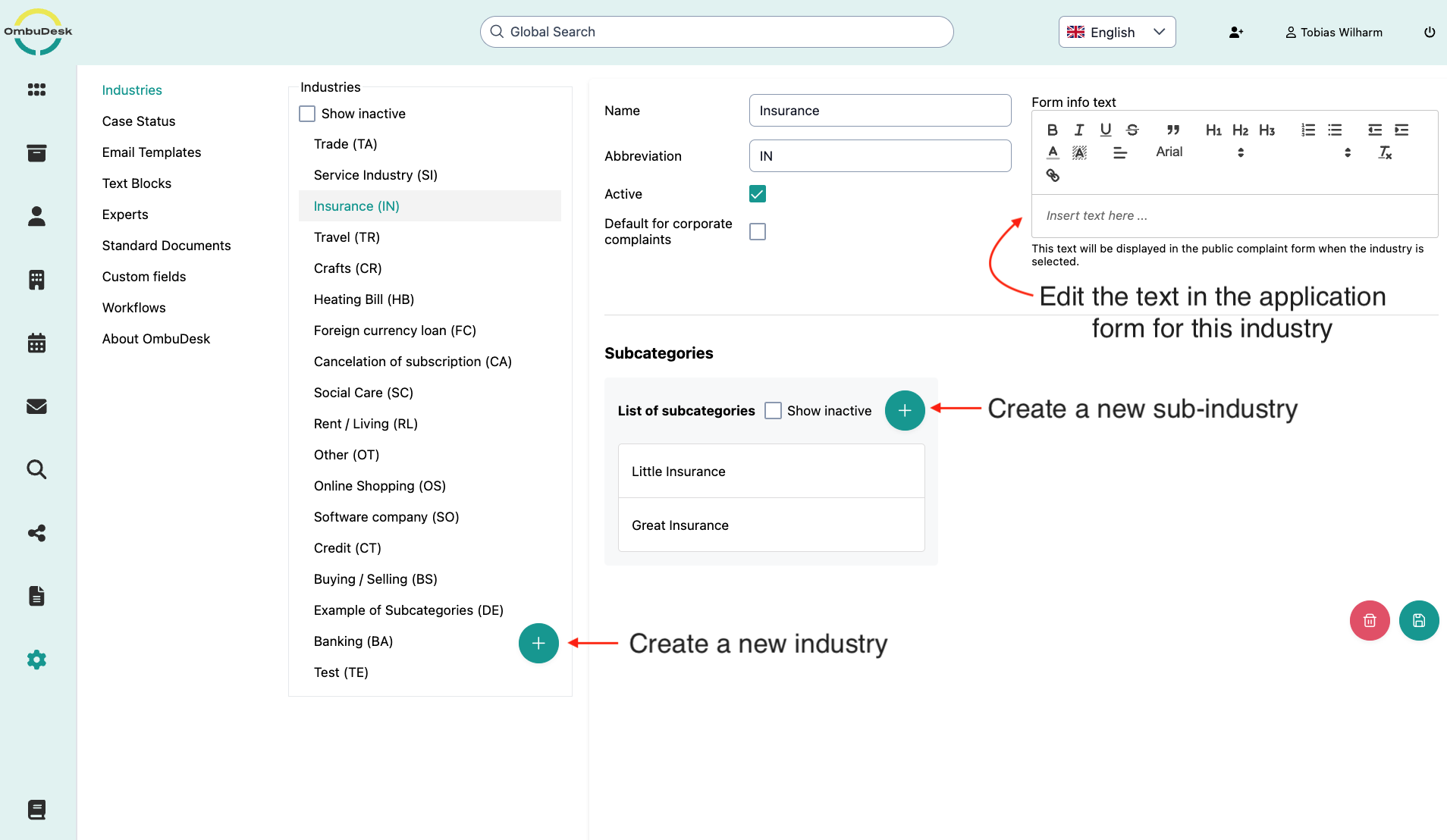
- Add new industries: You can add new industries at any time via the plus symbol.
- Edit existing industries: You can edit the name, abbreviation, activity/visibility, and sub-industries at any time.
- Supplement/change form text for industries: You edit which text is displayed upon selection in the application form via the text editor.
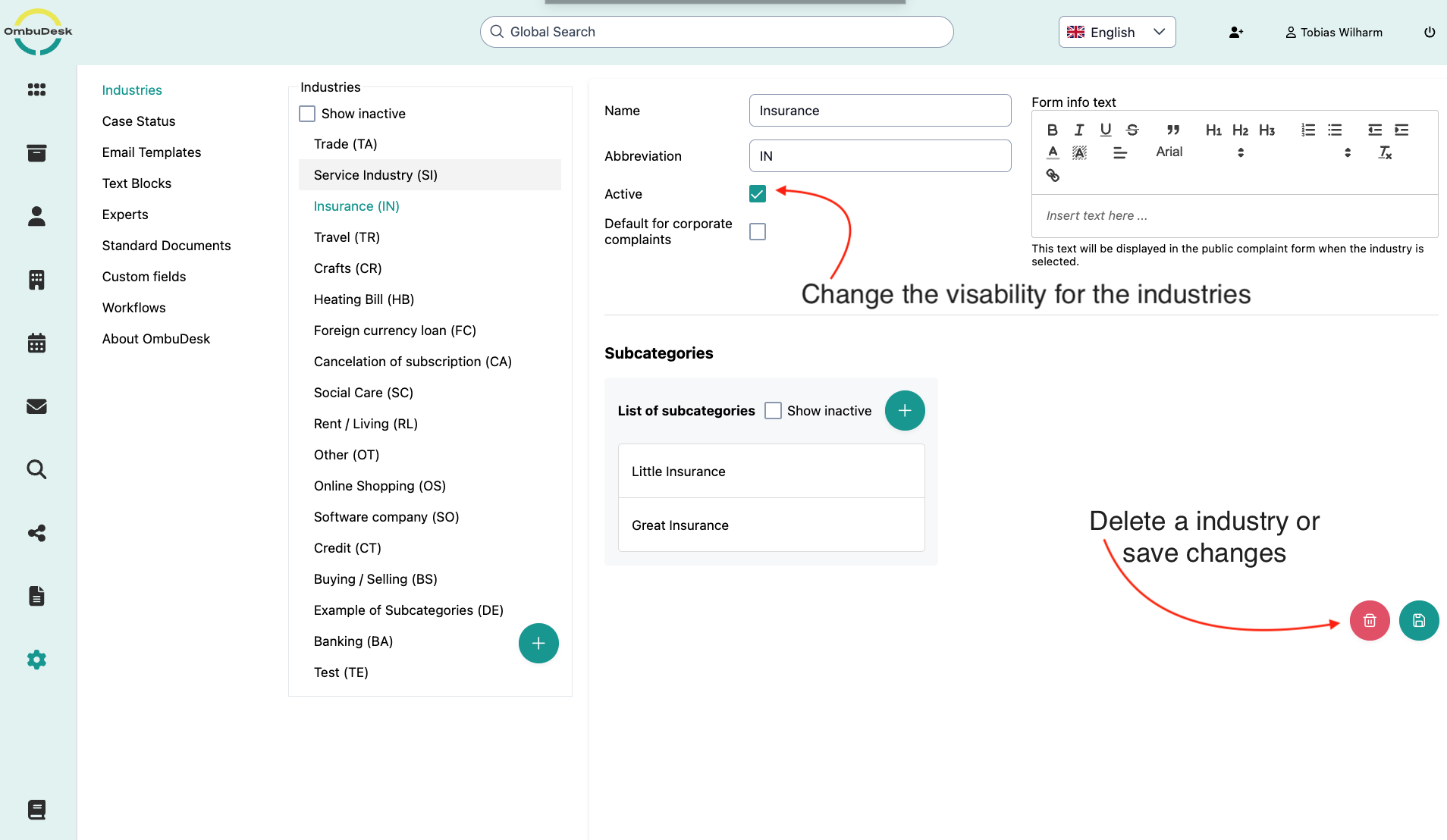
- Hide/delete existing industries: You can hide or delete existing industries at any time.
- Save changes: If you make changes to industries, you must save them to update the information.
What happens if you delete an industry?
If you delete an industry, the industry is no longer selectable in the application form or in the internal view.
Important note: All digital case files with the industry to date retain the industry to continue allowing unbiased statistical analyses.